
Tenant Resources
Tenant Information
Everything you need to know about living in a Great Lakes Development property: policies, utilities, contacts, and more.
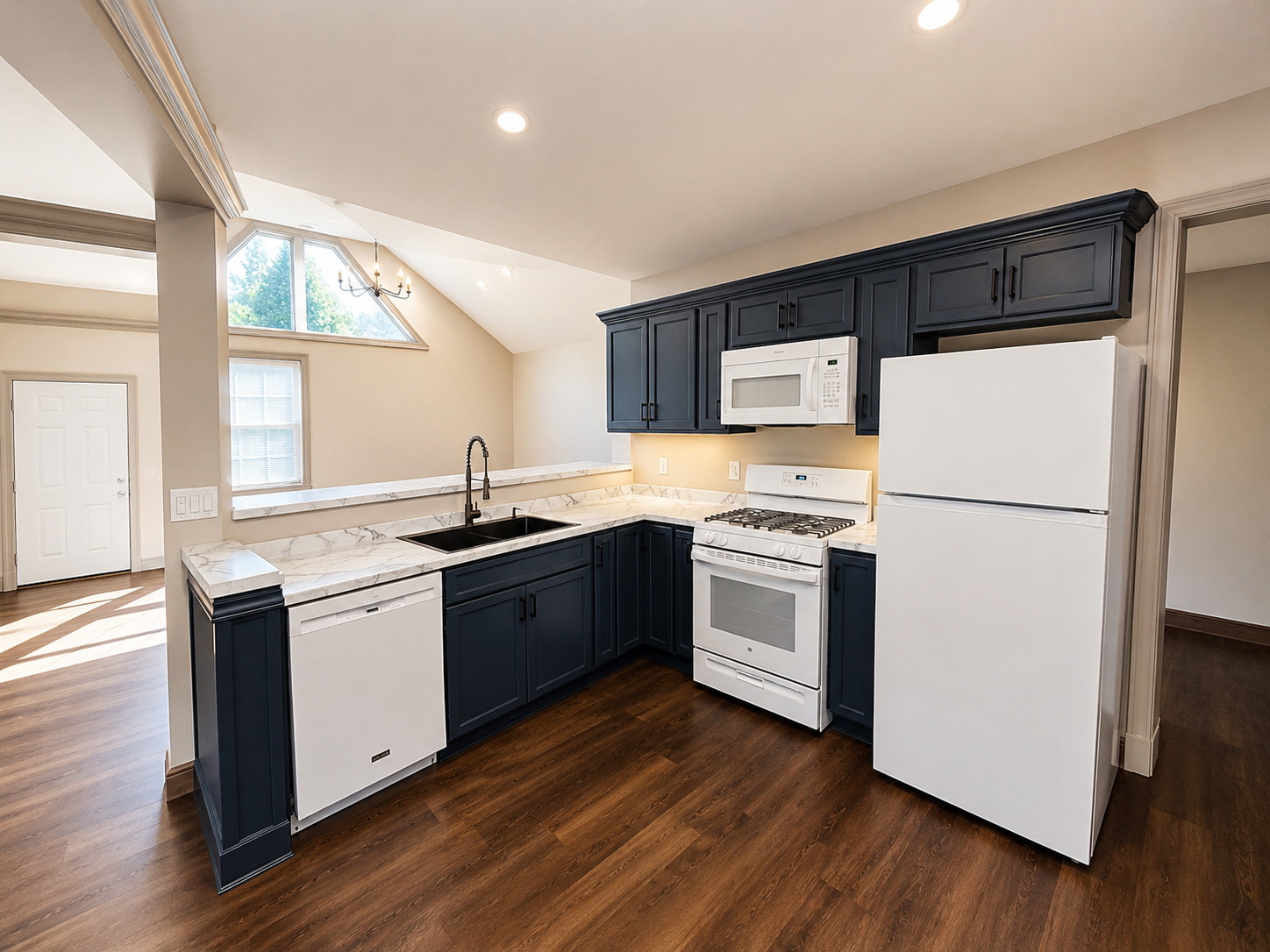
New Tenants
Welcome to Great Lakes Development
We are pleased to welcome you to your new home. The following information is designed to facilitate a smooth transition into your apartment. Great Lakes Development utilizes the AppFolio software platform for all tenant-related matters, including security deposits, rent payments, maintenance requests, and important communications. Once receiving the registration link via the email provided in your rental application, please set up your tenant portal access promptly.
Access Tenant PortalPolicies & Procedures
Important Tenant Information
Upon acceptance of your application and completion of your apartment lease and digital signatures, please access your new tenant portal via our AppFolio software and pay your apartment security deposit in full.
Please contact the mandatory utility providers (Electric & Gas) and place the utility services in your name effective with your lease commencement date.
- Electricity: First Energy / Penelec Electric: 800-545-7741 (Mon–Fri, 8 AM–6 PM)
- Natural Gas: National Fuel Gas: 814-871-8200 (Mon–Fri, 7 AM–6 PM)
- Spectrum Internet (optional): 833-267-6094. Prior approval is required before adding new interior outlets or exterior cable drop.
- VNET (if available): 866-951-4185. Prior approval is required before adding new interior outlets or exterior cable drop for VNET fiber cables.
- Erie Water Works: Great Lakes Development will contact Erie Water Works to place water/sewer/trash services in your name. Erie Water Works bills quarterly. As a new tenant, you do not need to contact them initially.
Renter's Insurance (Required)
All tenants are required to maintain renter's insurance with the following minimum coverage:
- Liability Coverage: $300,000 minimum
- Personal Property Coverage: At tenant's discretion
- Additional Insured: Gerald J. and Susan R. Kanonczyk, Great Lakes Development LLC, 226 Seminole Drive, Erie, PA 16505
- Or, if applicable: Alexander T. Kanonczyk, 220 Shawnee Drive, Erie, PA 16505
Adding an additional insured is at no additional charge from your insurance provider. Please upload a digital copy of your policy declarations pages to your AppFolio tenant portal. Many tenants find State Farm Insurance or Erie Insurance easy to work with.
How to Upload Proof of Insurance to AppFolio
- Click the Insurance tab in your tenant portal.
- In the Upload Other Renters Insurance Policy block, enter the following details:
- Insurance Company Name
- Policy Number
- Policy Expiration Date
- Click Add Proof of Insurance (Declaration or Certificate) to upload a copy of your insurance.
- Click Submit Policy Information. Your policy information will populate in the Tenant Provided Insurance block and the proof of insurance file will be saved to the Attachments block.
Please upload your vehicle make and model information into your tenant portal.
After all items listed above are completed, you will be provided with a key.
FAQ
Frequently Asked Questions
Common questions about our storage facilities and rentals.
Get Started
Have More Questions?
Our Erie-based team is happy to help. Give us a call or send a message and we'll be in touch.